Professional Audio Tools for Production & Post-Production
Split, merge, remap, inspect and convert audio files directly in your browser.
Simple browser-based tools for sound recordists, editors, filmmakers and audio professionals.
Processed Locally
In your browser
Audio bytes uploaded
0
Max WAV channels
32
Your media is processed locally in your browser.
Explore Audio Tools
Each tool opens on its own page, ready to use
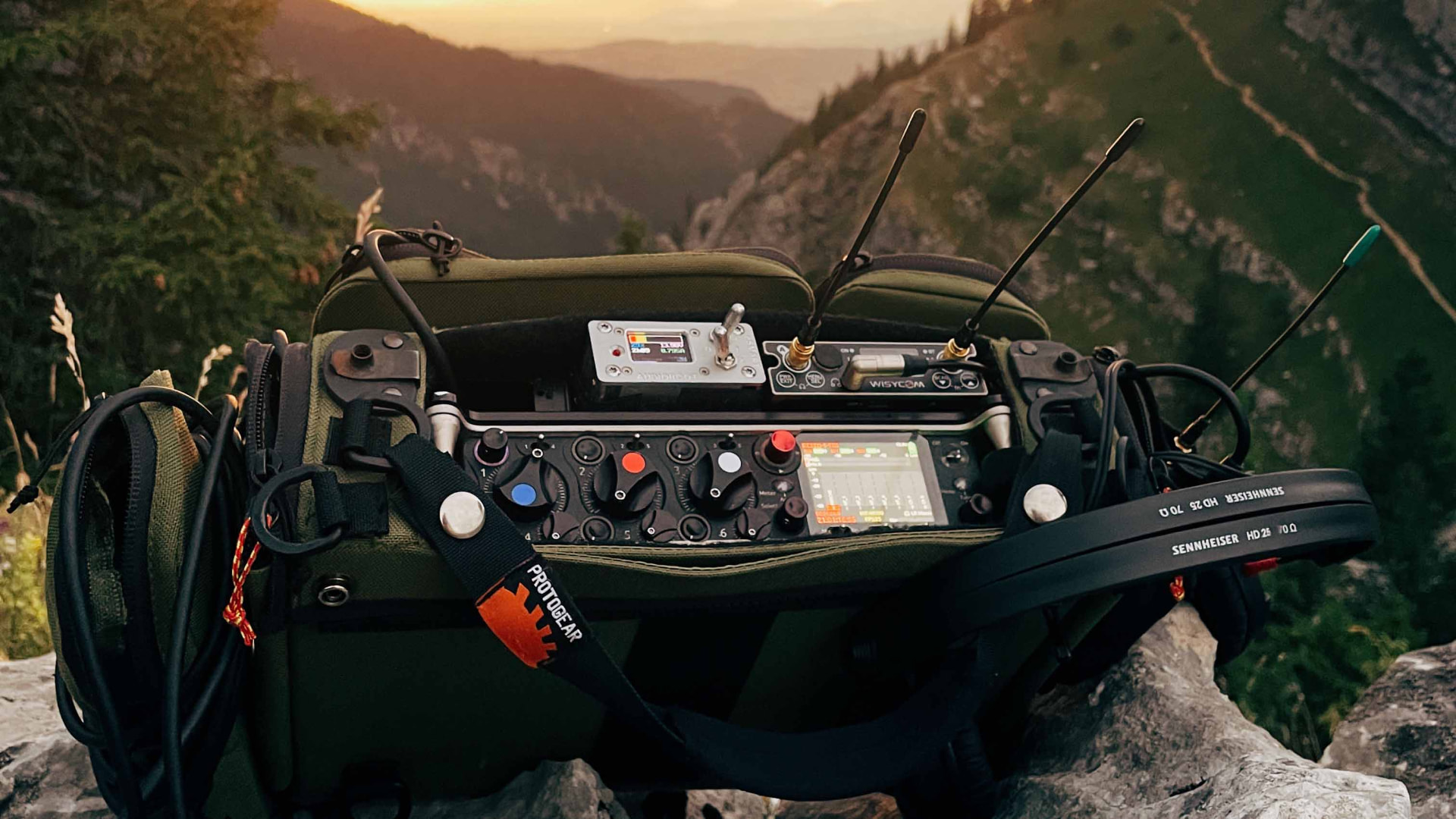
From audio record in the field to the audio edited in the studio
Tool directory
All audio tools
Open a tool page and drop your file straight into it. Processing happens in your browser.
WAV & Multichannel
Split, merge, remap and inspect WAV files channel by channel.
- PolyWAV SplitterPopularSplit multichannel WAV files into individual mono tracks.Open tool →
- Multichannel Audio SplitterPopularSplit stereo or multichannel audio (WAV, AIFF, MP3, FLAC…) into separate channels.Open tool →
- Stereo to MonoPopularConvert stereo audio to mono or separate left and right channels.Open tool →
- Multichannel Audio MergerCombine mono audio files into a single multichannel WAV.Open tool →
- Channel MapperReorder, rename and remap channels in a multichannel file.Open tool →
- Audio InspectorPopularCheck sample rate, bit depth, channels and audio file information.Open tool →
Audio Conversion
Change sample rate, bit depth or file format without a DAW.
- Sample Rate ConverterPopularResample audio and change sample rate or bit depth.Open tool →
- 48 kHz → 44.1 kHzConvert 48 kHz audio to 44.1 kHz.Open tool →
- WAV → MP3Encode a WAV to MP3 for review copies.Open tool →
- WebM → MP3Convert the audio of a WebM file to MP3.Open tool →
- MP3 → WAVDecode an MP3 back to uncompressed PCM WAV.Open tool →
- WAV → AIFFConvert WAV to AIFF for Apple-based sessions.Open tool →
Video → Audio
Pull usable audio tracks out of camera and delivery files.
- Extract Audio from VideoPopularExtract audio from MP4, MOV and WEBM video files.Open tool →
- MP4 → WAVExtract the audio of an MP4 as a WAV file.Open tool →
- MOV → WAVExtract the audio of a QuickTime MOV as WAV.Open tool →
- MKV → WAVExtract the audio of a Matroska MKV as WAV.Open tool →
- MP4 → MP3Export the audio of an MP4 as an MP3.Open tool →
- WEBM → MP3Export the audio of a WEBM as an MP3.Open tool →
Surround Audio
Fold multichannel mixes down to a stereo deliverable.
Batch Processing
Process many files in one queue, one after another. Lifetime Pro.
- Batch Sample Rate ConverterConvert the sample rate of multiple audio files in one queue.Open tool →
- Batch WAV to MP3Convert multiple WAV files to MP3 sequentially.Open tool →
- Batch WAV to AIFFConvert multiple WAV files to AIFF while preserving source properties by default.Open tool →
- Batch Stereo to MonoSplit multiple stereo WAV files into separate Left and Right mono files.Open tool →
- Batch LRC SplitterExtract Left + Right as a stereo WAV and Center as a mono WAV from multichannel WAV files.Open tool →
Audio Editing
Trim and export exactly the section you need.
Free Sound Packs
Free Sounds for Film & Sound Design
Original field recordings and production-ready sounds for filmmakers, editors and sound designers.
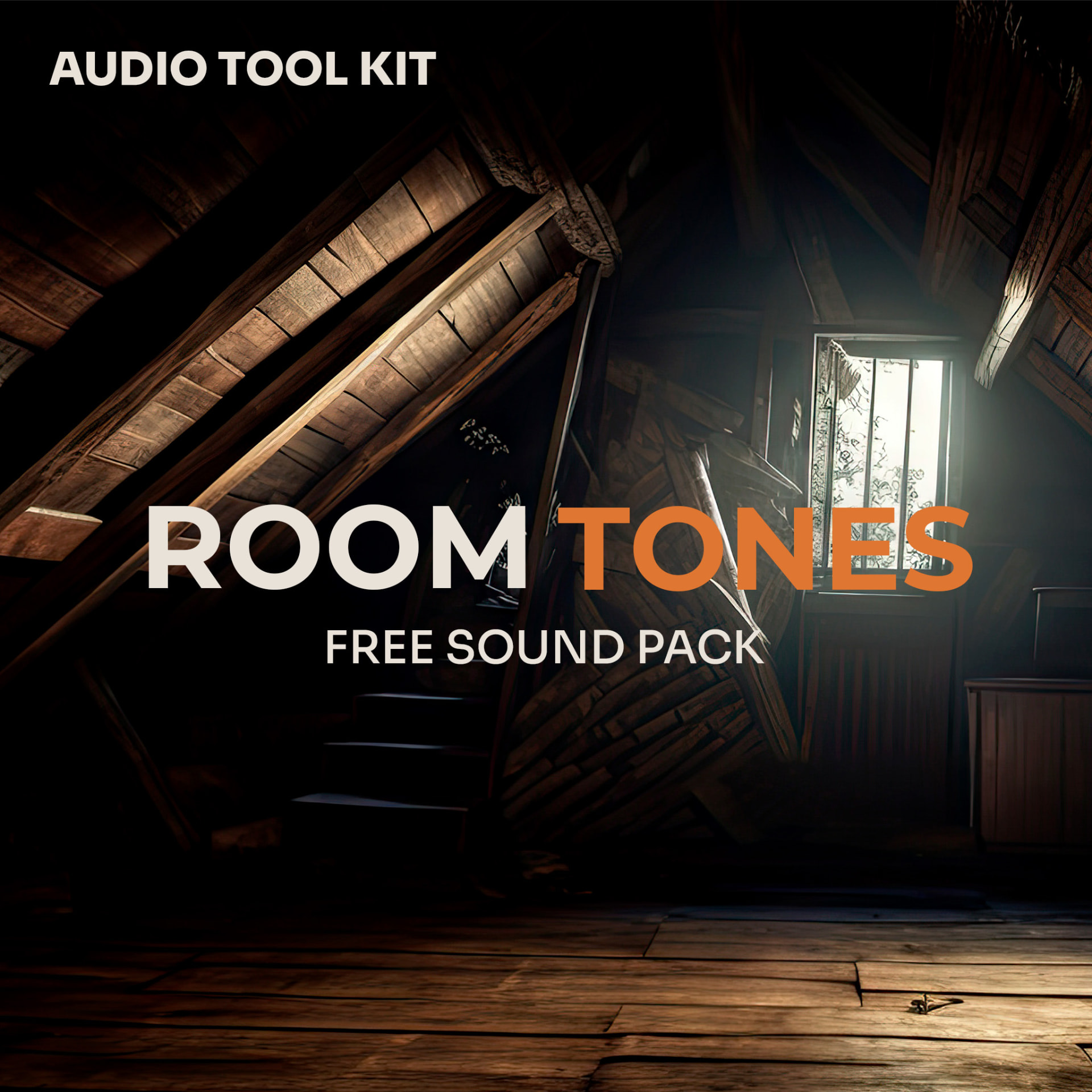
Room Tones
Room Tones — Free Sound Pack
A collection of natural room tone recordings for dialogue editing, film post-production and realistic sound design.
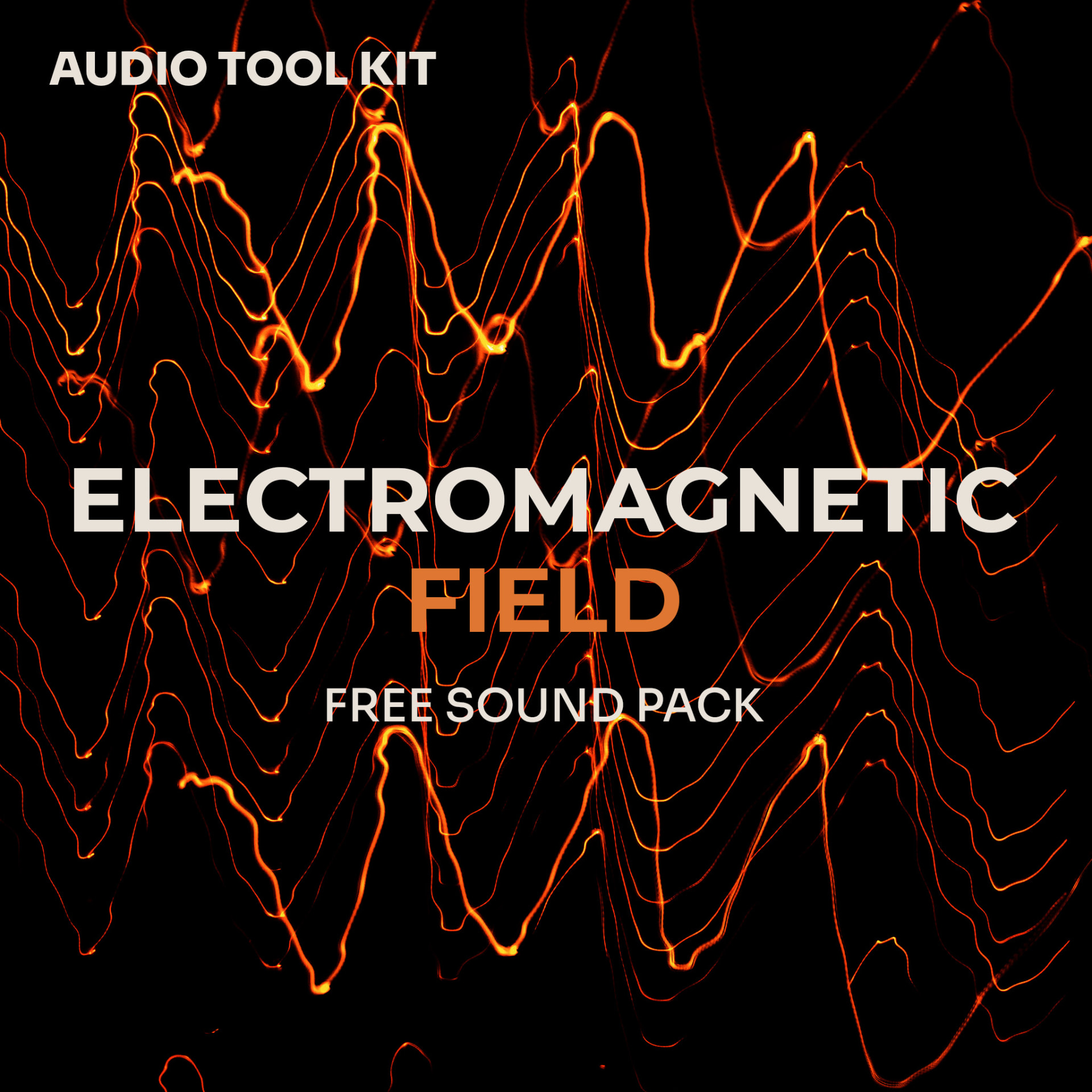
EMF
EMF — Free Sound Pack
22 electromagnetic field recordings of everyday electronics: chargers, screens, phones, Wi-Fi hotspots and household appliances.

Nature
Nature Ambiences — Free Sound Pack
22 field recordings from the French countryside: forests, streams and waterfalls, meadows, wind in the trees and distant cow bells.
Prepare your audio in 3 steps
01. Drop your file
WAV from the recorder, or an MP4/MOV straight from the camera card.
02. Choose your layout
Pick channels, reorder, rename or select an export format.
03. Download
Mono stems, a ZIP, or one interleaved multichannel WAV.
Average processing time: under 10 seconds
Why Audio Tool Kit?
Save time on set
Prep rushes between takes instead of waiting on a DAW to launch and import.
Protect your rushes
Embargoed footage and confidential interviews are processed in your browser, not uploaded to our servers.
Skip the licence
No Pro Tools, no Reaper, no plugin. A browser tab is enough.
Editor-ready output
Files drop straight into Resolve, Premiere, Final Cut and Pro Tools.
Your audio stays on your device
Decoding, processing and export run in your browser tab with the Web Audio API. Your rushes are never uploaded and no copy of them reaches our servers — only anonymous page analytics and, once you sign in, your account and Stripe payment details travel over the network.
Quick Tutorials
See how to solve common production and post-production audio problems in just a few minutes.
Explore audio guides →
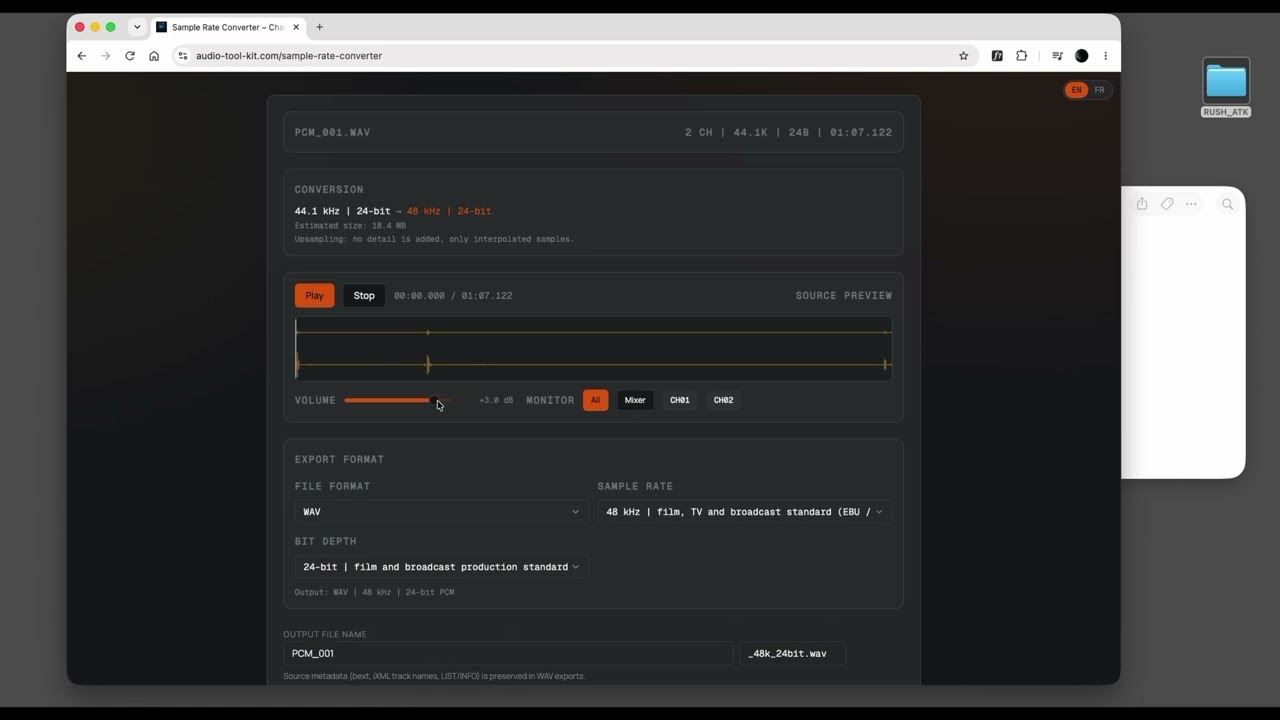

Audio guides
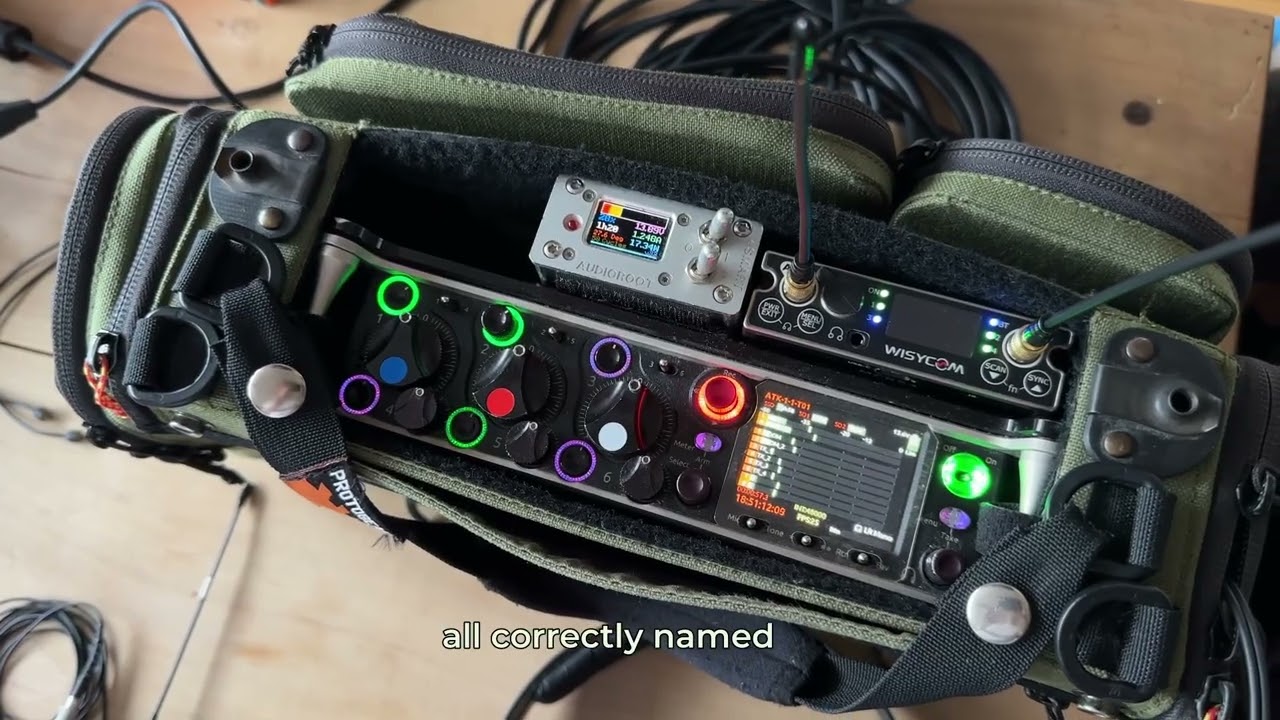
- How to split a PolyWAV into mono tracksLocation-sound workflow: from the recorder's polyphonic WAV to clean mono stems for the edit.Read guide →
- Getting the channel order right before the conformWhy track order matters and how to remap a multichannel WAV before it reaches the timeline.Read guide →
- Choosing between 48 kHz and 44.1 kHzWhen to resample production audio, and what actually changes in the file.Read guide →
- Extracting audio from an MP4 or MOVPull the sound out of camera and delivery files without re-encoding the video.Read guide →
- Checking a WAV file before post-productionSample rate, bit depth, channels and metadata — verify a file before you build the session.Read guide →
Simple & transparent pricing
Try it free. Pay only when you need more. No subscription required.
Pay per use
€0.90
Per conversion
- ✓ No expiry
- ✓ All tools
- ✓ Email support
Pro
€19.90
One-time payment
- ✓ Unlimited number of conversions
- ✓ No 500 MB file cap
- ✓ Batch PolyWAV splitting
- ✓ No subscription
Frequently asked questions
- Are my files uploaded to a server?
- No. Your audio is decoded, processed and written back inside your browser and is never sent to our servers. We record anonymous page analytics (page URL, referrer, browser language) — never your file, its name or its contents.
- Which formats can I work with?
- WAV and AIFF, plus MP3, M4A/AAC, FLAC, OGG and Opus whenever your browser can decode them. Splitting, merging and channel mapping handle up to 8 channels on the free plan and up to 32 with Pro. MP4, MOV and WEBM are supported for audio extraction. Exports are WAV, AIFF or MP3 (320 kbps, stereo).
- Are sample rate and bit depth preserved?
- If you leave the export settings on Source, WAV exports keep the original sample rate and bit depth, and 16, 24 or 32-bit PCM sample values are written back unchanged. Choosing another rate resamples (linear interpolation) and lowering the bit depth requantises without dither.
- Is there a file size limit?
- Free and pay-per-use runs are capped at 500 MB per file. Pro removes that cap, so the practical limit becomes your browser's memory: the audio is held uncompressed in RAM while you work on it.
- Do I need to install anything?
- No plugin and no app — a browser tab is enough. A free account is required to run a conversion, including the first free one.
- Does it work on Mac and Windows?
- Yes, and on Linux too. Recent Chrome, Edge, Safari and Firefox are supported. If your browser cannot decode a particular codec (some MKV variants, MXF), the tool says so instead of guessing.
- What happens after my free conversion?
- You can pay €0.90 per conversion, or unlock Pro forever with a single €19.90 payment. No subscription, no hidden fees.
No more channel headaches