Channel mapper
Channel Mapper – Fix the Channel Order of a Multichannel File
- 1st conversion free
- No installation
- No plugin
- Files stay local
Drop an audio file to remap
WAV, AIFF, MP3, M4A, FLAC, OGG. Reorder, rename, duplicate or drop channels. No DAW required.
✓ 1st conversion free. ✓ Your audio stays on your device.
Watch how to reorder audio channelsWhat this tool does for you
- Reorder channels inside a multichannel WAV by drag and drop
- Rename, duplicate or drop channels before export
- Match a delivery channel layout without a session round-trip
- Samples are copied as-is at the source rate and bit depth
- Everything runs in your browser. Files are never uploaded to a server.
How it works
01. Load the file
Every channel becomes a row, in its current order.
02. Rearrange
Drag to reorder, rename, duplicate or remove channels.
03. Export
A new file whose channel 1 is your top row.
Channel order, layouts and delivery specs
What channel mapping means
Mapping is reassigning which source channel lands on which output channel. Nothing about the audio changes: channel 6 becomes channel 2, keeping its samples. It is the fastest fix when a file is technically perfect but arranged in the wrong order for whoever receives it.
Common layouts you will be asked for
SMPTE surround order is L, R, C, LFE, Ls, Rs; film order is often L, C, R, Ls, Rs, LFE. Production sound deliveries usually want the mix on channels 1 and 2 with isos below. A single mismatch means the centre channel arrives in a surround speaker, which is why specs are worth reading before the export rather than after the rejection.
Professional use cases
Post-production
Conform a stem file to a distributor's channel order without opening the mix session.
Location sound
Push the stereo mix to the top of the file so an editor sees it first.
Video editing
Duplicate a mono narration into two channels so it plays on both sides of a review copy.
Fix an incorrect channel order
Wrong channel order is almost never an audio problem. The recording is fine; the file simply presents its channels in an order the next person does not expect. A centre channel that arrives in a surround speaker, a boom that lands on the iso track an editor muted, a stereo mix sitting on channels 7 and 8 instead of 1 and 2: all of these are routing, and all of them are fixed by writing the same samples out in a different order.
That is what this page does. Each channel of the loaded file becomes one row. The row order is the output order, so the top row is channel 1 of the exported file. Nothing is summed, faded or normalised on the way.
What you can do to each channel
| Operation | How | Effect on the export |
|---|---|---|
| Reorder | Drag a row, or use the ↑ / ↓ buttons | Source channel keeps its audio, changes position |
| Rename | Type a new name in the row's name field | Written as the track name in the exported WAV |
| Duplicate | ⧉ on the row | One source channel feeds two output channels |
| Remove | ✕ on the row | Channel is left out of the export entirely |
Renaming matters more than it looks. A multichannel file whose channels are called Boom, Lav Anna, Lav Ben and Mix L / Mix R survives a hand-off; one called Channel 1 to Channel 5 gets guessed at.
Multichannel WAV and PolyWAV channel mapping
A poly file from a field recorder is an interleaved multichannel WAV: one take, one file, all mics inside it. The recorder decides the order from its input routing, so channel 1 is whatever was plugged into input 1 that day, not necessarily what the post house expects. Production deliveries usually want the stereo mix on channels 1 and 2 with the isos below. Poly WAV channel order: what track 1 actually is goes into how recorders assign those inputs.
Surround beds have their own conventions. SMPTE order is L, R, C, LFE, Ls, Rs; film order is often L, C, R, Ls, Rs, LFE. Reading the wrong one puts dialogue in a surround speaker. 5.1 and 7.1 channel order explained covers how to tell which order a file uses before you remap it.
One caveat worth knowing: the bext and iXML metadata copied into a WAV export still describes the file as it was recorded. If the original iXML listed a track order, that list no longer matches the remapped file. The channel names you set on this page are what the exported WAV itself declares.
How to use the channel mapper
- Drop a multichannel file on the mapper at the top of the page.
- Check the source: channel count, sample rate and duration are read from the file.
- Drag the rows, or use ↑ / ↓, until the output order matches the spec.
- Rename channels, duplicate any you need twice, remove the ones you do not.
- Audition the source channels in the player if you are unsure which is which.
- Leave the export settings on Source to keep the file as-is, then export the WAV.
Supported formats and limits
Input
- WAV, AIFF, MP3, M4A, FLAC, OGG
- Up to 8 channels free, 32 on Pro
- Up to 500 MB free, no cap on Pro
- Decoded in your browser, never uploaded
Output
- WAV free; AIFF and MP3 on Pro
- Sample rate and bit depth default to Source
- Channel names written into the WAV
- bext / iXML / LIST chunks carried into WAV exports
Not sure what the file contains? Read its channel count, layout and track names first, then come back and remap.
See how it works
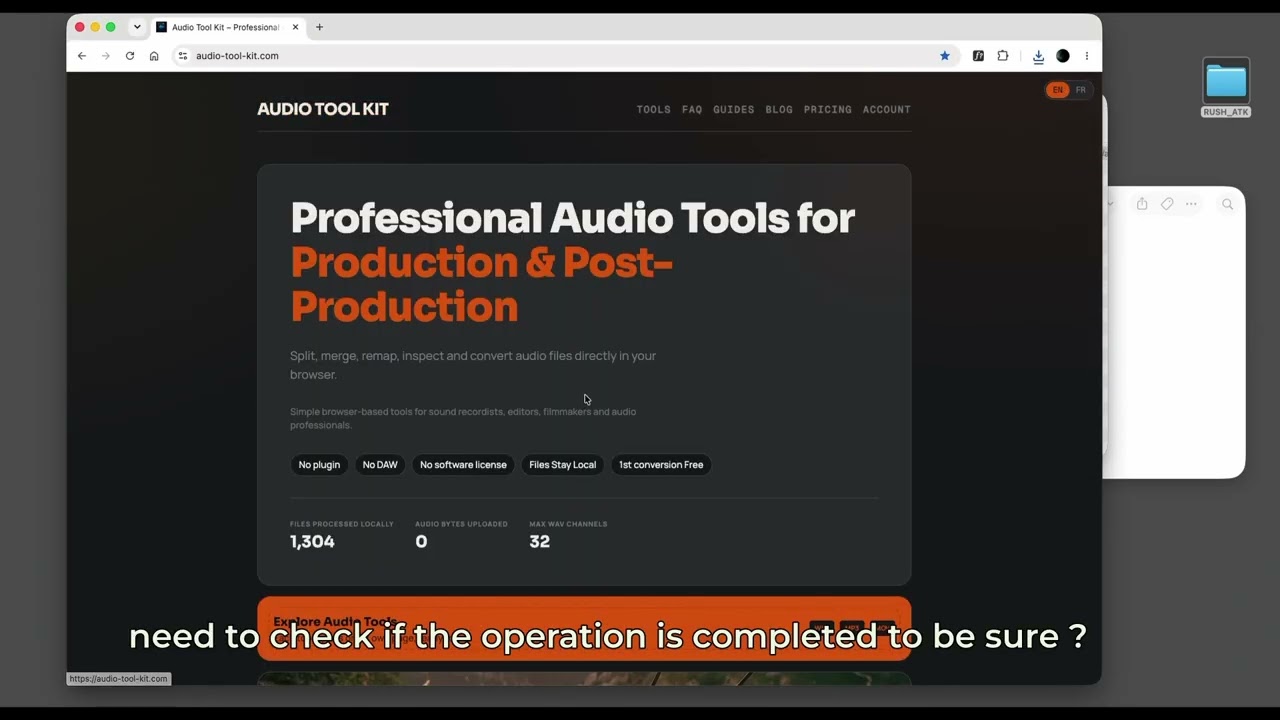 How to Reorder Channels in a Multichannel Audio File — No DAW RequiredWatch the step-by-step tutorial and put the channels back in the right order before the conform.Watch the tutorial →
Your audio stays on your device
Decoding, processing and export all run in your browser: compressed formats are decoded with the Web Audio API, and WAV, AIFF and MP3 files are written by JavaScript in the page. Your audio is never uploaded to our servers. Only anonymous page analytics and, if you sign in, your account and payment details go online.
Frequently asked questions
- My channels are in the wrong order. How do I fix it?
- Drop the file on the mapper above. Every channel becomes a row you can drag. Put each source channel where the spec expects it, then export. The samples inside each channel are untouched, only their position in the file changes.
- What is audio channel mapping?
- Mapping reassigns which source channel lands on which output channel: source 6 becomes output 2, keeping its audio. It is a routing change written into the file, not a processing change.
- Can I rename the channels?
- Yes. The name you type on each row is written into the exported WAV as that channel's track name, so an editor opening the file sees Boom or Lav rather than Channel 3. Track names are written for WAV output; AIFF and MP3 exports carry no track-name field.
- Can I duplicate or remove a channel?
- Yes. The duplicate button copies a channel to a second output slot, which is how you turn a mono narration into a two-channel file. The remove button drops a channel from the export entirely, so an 8-channel poly can leave as a 2-channel mix.
- How many channels can the mapper handle?
- Up to 8 channels on the free plan and up to 32 on Pro. Files above 500 MB also need Pro.
- Does remapping change the audio?
- Not by default. With sample rate and bit depth left on Source and WAV as the output format, each channel's samples are written out unchanged. If you deliberately pick another sample rate, another bit depth, or MP3 output, the audio is resampled or re-encoded accordingly.
- Is BWF and iXML metadata kept?
- WAV exports carry the source bext, iXML and LIST/INFO chunks through. Note that this metadata still describes the original channel order, so a track list inside the iXML will no longer match the file you exported. AIFF and MP3 exports drop these chunks.
- Can I remap a PolyWAV from a field recorder?
- Yes. A poly file from a Sound Devices, Zoom or Zaxcom recorder is just an interleaved multichannel WAV. Load it, push the mix to channels 1 and 2, order the isos below it, and export.
- Which formats can I load?
- WAV, AIFF, MP3, M4A, FLAC and OGG are decoded by your browser. Export is WAV on the free plan; AIFF and MP3 output are Pro.
- Do I need a DAW?
- No. Reordering channels in Pro Tools or Resolve means importing, rerouting and bouncing a session. Here the file never leaves your machine and the export takes seconds.
Related audio tools
Related guides and articles
No more channel headaches