Multichannel audio splitter
Multichannel Audio Splitter – Split Stereo or Multichannel Audio into Mono Files
- 1st conversion free
- No installation
- No plugin
- Files stay local
Drop a poly audio file
WAV, AIFF, MP3, M4A, FLAC, OGG. Stereo or multichannel, up to 32 tracks. Analysed locally. Drop several files for Pro batch mode.
✓ 1st conversion free. ✓ Your audio stays on your device.
Watch how to split multichannel audioWhat this tool does for you
- Turn a stereo or multichannel WAV into separate mono files in one step
- Choose exactly which channels to export and rename them first
- Keeps the source sample rate and bit depth, sample values unchanged
- Single files or a ZIP of the whole set
- Everything runs in your browser. Files are never uploaded to a server.
How it works
01. Drop the file
WAV, AIFF, MP3, M4A, FLAC or OGG; channels and specs are detected automatically.
02. Pick channels
Select and rename the ones you want to keep.
03. Download
Individual mono files, or a ZIP of all of them.
Splitting WAV files without a DAW
Stereo, dual mono and multichannel
A stereo WAV holds two interleaved channels in one file. A dual mono delivery is two separate files. They contain the same audio but tools treat them very differently: a broadcaster asking for dual mono will reject an interleaved stereo file, and a music platform expecting stereo will fold two mono files awkwardly if you hand them over loose.
Which splitter page should you use
The de-interleave is identical everywhere on the site; the difference is the workflow around it. Use the PolyWAV Splitter when the file came off a Sound Devices, Zoom or Zaxcom recorder and track names, scene and take matter. Use this page for any other WAV, from a two-channel interview to a multichannel bounce out of a DAW. Use the stereo to mono page when the job is simply keeping the side a voice was recorded on.
What the splitter changes and what it does not
Only the container changes. Each output is a mono WAV carrying the same PCM words at the same sample rate and bit depth as the source channel. Nothing is normalised, resampled or dithered, so you can split, work, and merge back with no cumulative loss.
Professional use cases
Broadcast delivery
Many broadcast specs require discrete mono files per track rather than an interleaved master.
Video editing
Split before importing so each mic lands on its own timeline track with its own level and EQ.
Podcasting
A two-mic recording captured as stereo becomes two independent voices you can edit and gate separately.
Split a WAV into individual channels
A multichannel WAV stores its channels interleaved: sample 1 of channel 1, sample 1 of channel 2, sample 1 of channel 3, then sample 2 of channel 1, and so on. Splitting is de-interleaving, walking that stream and writing each channel's samples into its own file. Nothing is analysed, filtered or recalculated, which is why a split done with Source settings and WAV output returns exactly the audio that was already in the file.
The reason to do it is almost always downstream tooling. Transcription services, voice processing, loudness tools, some upload forms and plenty of older software accept mono input only, or treat channel 2 as if it did not exist.
Stereo, multichannel and poly files
Stereo WAV to two mono files
The common case: a two-channel file becomes a left file and a right file. Useful when an interview was recorded with one participant on each side, or when a tool needs each side handled separately.
Multichannel WAV to per-channel files
Four, six or thirty-two channels each become their own file. Select the ones you need, so a 5.1 bed can give you just the centre channel for dialogue work without producing five files you will delete.
Recorder poly takes
The same operation works, but production sound has extra concerns: BWF timestamps, iXML track names and scene / take metadata. The PolyWAV Splitter is the page written around that workflow.
Splitting is not converting to mono
Splitting a stereo file gives you two files, each containing one side untouched. Summing gives you one file containing both sides added together. They answer different problems: splitting is for isolating a source, summing is for delivering a single mono version.
Summing also carries a risk splitting does not. If the two sides are two mics on the same source, adding them can cause phase cancellation and a thinner, hollow result. The stereo to mono page covers the fold-down, including the sum mode; this page keeps channels discrete.
How to split a WAV file
- Drop the file on the splitter; channels, sample rate, bit depth and duration are read from it.
- Look at the per-channel waveforms to confirm which channel holds what.
- Deselect any channel you do not want as a file.
- Rename the ones you keep; the name becomes the filename.
- Leave the export settings on Source to keep the audio as it is.
- Download channels one at a time, or export all as a ZIP.
Technical specifications
Input
- WAV, AIFF, MP3, M4A, FLAC, OGG
- Up to 8 channels free, 32 on Pro
- Up to 500 MB free, no cap on Pro
- Decoded in your browser, never uploaded
Output
- One mono file per selected channel
- WAV free; AIFF and MP3 on Pro
- Sample rate and bit depth default to Source
- Individual downloads or a single ZIP
Unsure how many channels the file really has? Inspect it first, or reorder its channels if the layout is wrong rather than the packaging.
See how it works
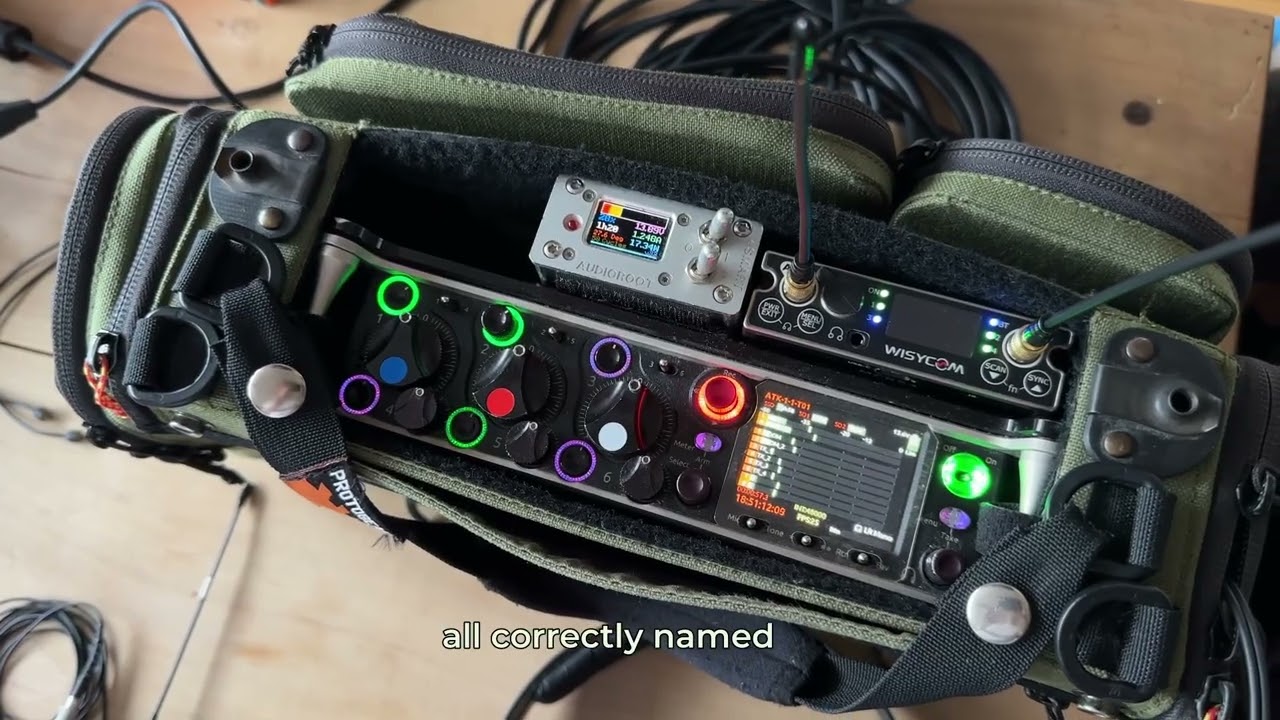 How to Split Multichannel Audio into Separate TracksWatch the step-by-step tutorial and split individual channels directly in your browser.Watch the tutorial →
Your audio stays on your device
Decoding, processing and export all run in your browser: compressed formats are decoded with the Web Audio API, and WAV, AIFF and MP3 files are written by JavaScript in the page. Your audio is never uploaded to our servers. Only anonymous page analytics and, if you sign in, your account and payment details go online.
Frequently asked questions
- How do I split a WAV file into separate channels?
- Drop the file on the splitter above. Every channel is listed with its own waveform; keep the ones you want, rename them if needed, and export. You get one mono file per selected channel.
- How do I split a stereo WAV into two mono files?
- Load the stereo file, leave both channels selected and export. You get a left mono file and a right mono file, each at the source sample rate and bit depth.
- Does it work with more than two channels?
- Yes, up to 8 channels on the free plan and up to 32 on Pro. Each selected channel becomes its own mono file, and you can download them individually or as a ZIP.
- Can I export only some channels?
- Yes. Deselect the channels you do not need before exporting; only the selected ones are written out.
- Is the audio quality changed?
- No, as long as you leave the export settings on Source and export WAV: the sample rate and bit depth are copied from the file and the samples of each channel are written unchanged. Choosing a different rate, depth or format converts the audio.
- Can I download all the channels at once?
- Yes. Export all gives you a ZIP containing every selected channel as a separate mono file, named from the channel list.
- What is the difference between this and the PolyWAV Splitter?
- The de-interleaving is the same. This page is written for the general case, a stereo or multichannel WAV that needs to become per-channel mono files. The PolyWAV Splitter page covers production sound: recorder poly takes, BWF metadata and track names from the field.
- When should I use Stereo to Mono instead?
- Use stereo to mono when you want one mono file out of a stereo pair, either by keeping a single side or by summing both. Use this splitter when you want every channel as its own discrete file.
- Which formats can I load?
- WAV, AIFF, MP3, M4A, FLAC and OGG are decoded by your browser. Exports are WAV on the free plan; AIFF and MP3 are Pro.
- Do I need to install anything?
- No. It runs in the browser tab, offline after the page has loaded, and your audio is never uploaded.
Related audio tools
Related guides and articles
No more channel headaches